sutanbet77 Opens Casino, Slots and Sportsbook
Live Roulette, Ganesha Gold, Crash Games and Sportsbook sit on the first lobby path so you can open your account and see the main…

Live Roulette and Ganesha Gold Rooms
Our home lobby places casino and slots near the first scroll, so Live Roulette, Ganesha Gold and related tables are easy to reach after login.









How Our Home Lobby Is Arranged
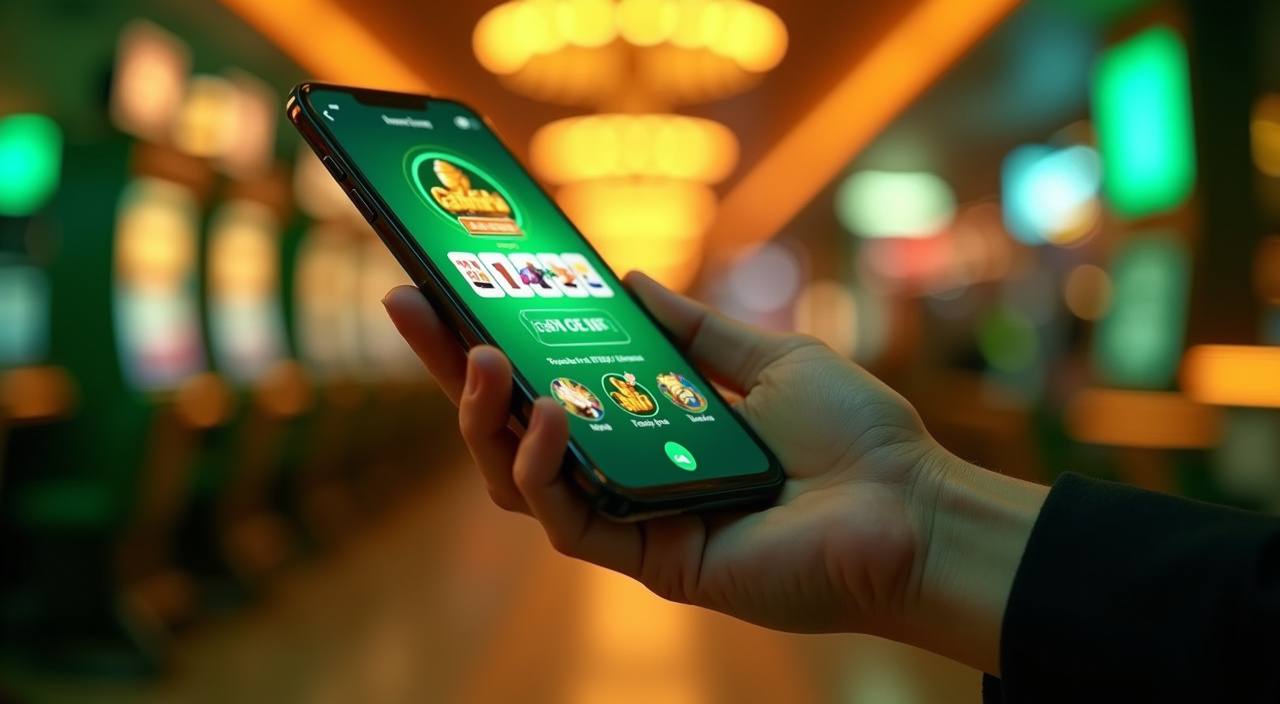
The home page is built around the way you move from balance check to game choice. We place live casino tables, slots, Crash Games, Super Bingo, Mega Fishing and Sportsbook access in separate rows, so you can scan by category instead of opening several menus. When you enter from mobile, the lobby keeps the wallet icon and account button in
reach while the game tiles load below. On a computer, the same sections expand into wider rows, which helps you compare table types, slot rooms and Sportsbook entry points before you choose where to start.
The Home Checks You Asked For

Opening Your Account From The Home Page
A new account starts with your mobile number, a password and a payment name that matches the wallet you plan to use. After you submit the form, we show the login area and ask you to confirm the account details before adding funds. This matters because DANA, OVO, GoPay and QRIS checks work more cleanly when the wallet name matches
the profile name. If a detail looks wrong, use live chat before your first transfer; it is faster to correct the profile early than to pause a withdrawal later.
Slots and Crash Games Near Casino
DANA OVO GoPay and QRIS Flow
Deposits through DANA, OVO, GoPay and QRIS usually update the account balance in under a minute after the payment screen confirms the transfer. If a wallet rail is busy, keep the receipt image and contact us through live chat so we can trace the reference number. Withdrawals follow a separate check: we compare the requested account name with the registered
profile and review the latest game activity before release. That extra step is why we ask you not to change wallet names during an active request.
How We Keep The Home Lobby Clear
We focus the home page on details you can verify while using your account: payment names, visible game categories, support hours and login controls.
Visible wallet names
The wallet area lists DANA, OVO, GoPay and QRIS by name, so you can match the rail on screen with the app you are about to use.
Account name checks
Before withdrawal processing, we compare the request with the registered profile and payment name. This reduces avoidable delays caused by mismatched wallet details.
Clear category rows
Live casino, slots, Crash Games, Super Bingo, Mega Fishing and Sportsbook access are separated into readable rows rather than mixed into one long scroll.
Published help hours
Our help team is available through live chat and WhatsApp from 09:00 to 01:00 WIB, with email used for document checks and longer account cases.

Mobile Access Without Changing The Page
The mobile home page is designed to keep the account, wallet and lobby controls within thumb reach. You can open the menu, check your balance, move to DANA or QRIS, and return to Live Roulette or Ganesha Gold without reloading a separate app page. On slower networks, game images may appear after the category labels, so you can still choose
casino, slots or Sportsbook while assets finish loading. If your session expires, the login button returns you to the same account path after verification.
Local Payment Choices On The Home Page
Your payment options are placed close to the account area because wallet clarity affects every later step.
Super Bingo and Mega Fishing Nearby
A later home row keeps casino and slots connected to Super Bingo and Mega Fishing for a lighter session after table play.
Account Security Starts At Home

Account security begins before you enter a game room. Use a password that is not shared with your DANA, OVO or GoPay app, and check that the login page shows the correct domain before entering details. If you forget a password, we verify the account through the registered contact path rather than changing it from a chat message alone. We
may also pause a withdrawal when a new device, new wallet name or unusual login pattern appears, because those checks protect the balance tied to your profile.
Help Channels Before You Enter The Lobby
Support sits on the home page because account questions often happen before the game starts. You can ask about login access, wallet status, payment receipts or a room that is not loading. Live chat is the quickest route during 09:00 to 01:00 WIB, WhatsApp helps when you need to send a screenshot, and email is better for document checks that require a longer reply.
Live chat
Use live chat for login help, wallet tracing and room access questions during 09:00 to 01:00 WIB. Keep your account name ready.
WhatsApp is useful when we need a payment receipt screenshot or device image. We will ask for account details before checking the case.
Email works for document checks, account corrections and longer wallet reviews. Include your registered contact detail, but never send your password.
Indonesia Access and Local Law Context
Our home page is written for Indonesia customers, but access is not the same in every location. Eligibility depends on local law and is available only where local law permits. That is why we keep account creation, payment naming and support checks visible before you enter the lobby. If you are unsure whether you can use the service from your
area, ask support before adding funds. We would rather confirm the access path early than leave you with an account question during a payment or withdrawal step.
Questions Before You Open The Lobby
These answers focus on the home page actions you are likely to take first: opening an account, checking payments, entering games and reaching support. If your case involves a specific receipt or account change, contact us so we can check the record directly.